If you’re searching for Keyscape 1.5.2, you probably want a piano and keyboard library that sounds real, rich, and playable — something that doesn’t feel like every other soft instrument. I’ve spent hours laying down piano parts, electric piano grooves, and synth edges in Keyscape, and version 1.5.2 keeps giving that warm, detailed feel we producers chase.
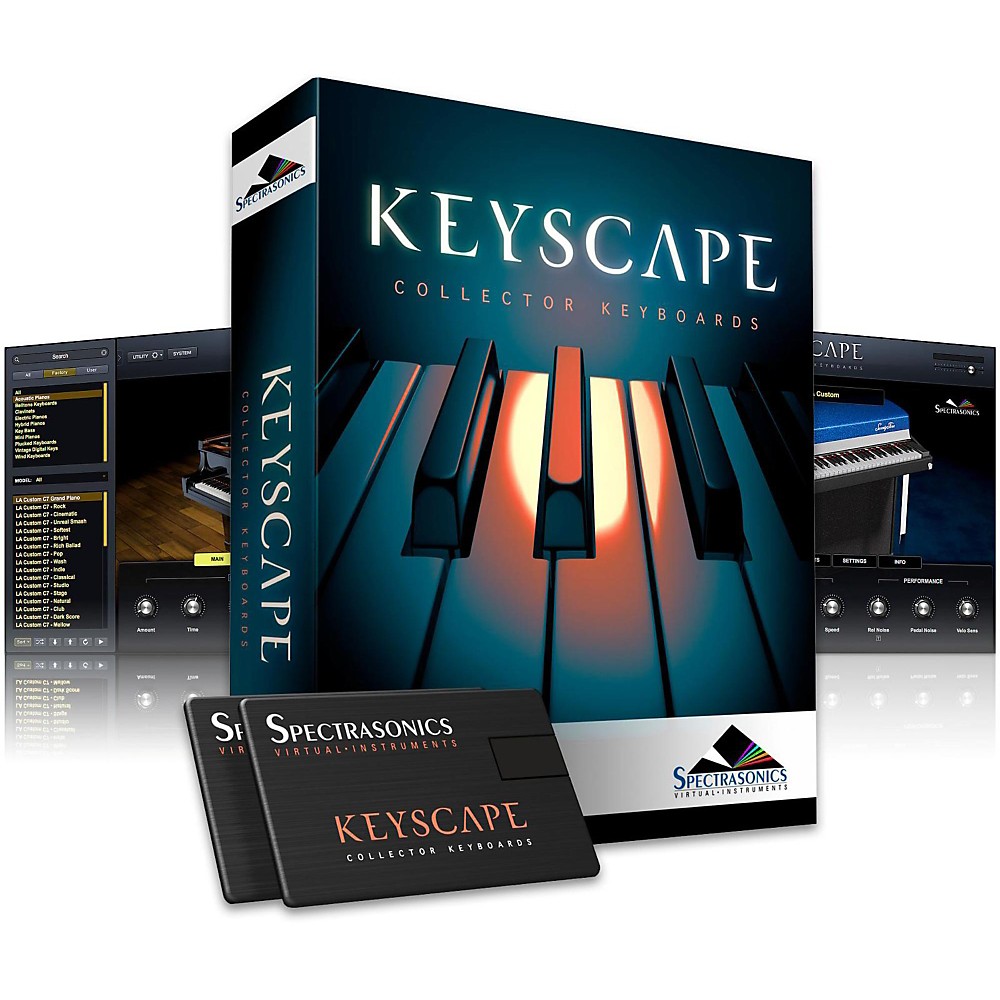
This article answers what you want to know without tech jargon. From setup and sounds to real‑world usage, I’m sharing what I’ve learned by using Keyscape in songs that ended up on streaming platforms.
What Is Keyscape?
In simple terms, Keyscape is a virtual instrument plugin that gives you a huge library of carefully sampled keyboards. That includes:
- Grand pianos
- Upright pianos
- Electric pianos (Rhodes, Wurlitzer)
- Clavs and organs
- Vintage and rare keyboards
It’s not just one piano — it’s dozens of playable instruments that feel alive under your fingers.
People often confuse it with regular piano plugins, but what makes it different is how playable and varied the sounds are — from a soft jazz piano to a gritty vintage electric.
What’s New in Version 1.5.2?
When you install Keyscape 1.5.2, you get:
- More polished instrument sampling
- Better compatibility with current DAWs
- Minor bug fixes that reduce crashes
- Faster preset browsing in MainStage / Logic
It doesn’t reinvent the plugin, but if you use Keyscape often, these refinements make your workflow smoother.
Keyscape System Requirements (Real World)
Because Keyscape uses large, detailed samples, it needs:
- A 64‑bit DAW (Logic, Ableton, Cubase, Pro Tools)
- At least 8 GB RAM (16 GB+ feels nicer)
- SSD storage for smoother performance
If you load multiple Keyscape instruments on a big session, having more RAM and fast storage saves you headaches.
How to Use Keyscape in Your DAW
This is where many people get stuck the first time.
Step‑by‑step:
- Install the plugin and library
- Make sure your DAW knows the VST3/AU/AAX folder
- Rescan plugins if it doesn’t show up
- Load an instrument patch
- Adjust touch, release, and effects
- Play or sequence your MIDI part
When I first used it in a pop track, I loaded a Vintage Tine Electric Piano patch and the mix came alive within minutes. That “instant inspiration” feeling is what many producers chase.
Why Keyscape Sometimes Doesn’t Show Up
This comes up a lot. When Keyscape doesn’t appear in your DAW:
- The plugin folder path isn’t correct
- Your DAW hasn’t rescanned after install
- You’re using a 32‑bit host (Keyscape is 64‑bit only)
Rescanning plugins or reinstalling in the right format usually fixes it. I’ve seen it happen after DAW updates — a quick rescan did the trick.
Best Presets for Different Styles
Once you get past install, what matters most is sound.
I’ve found certain patches work very naturally for specific genres:
- Grand Pianos: Ballads, orchestral tracks
- Electric Pianos: Soul, R&B, pop hooks
- Vintage Clavs: Funk, fusion
- Synth Key Layers: Ambient or cinematic textures
Don’t be in a hurry to tweak everything — often a small EQ tweak and reverb give you a sweet, sitting‑in‑the‑mix feel.
Performance Tips (Real Use)
Because the samples are big, you might notice:
- Slight lag when switching patches
- Higher CPU load with multiple instances
What helped me:
- Use RAM caching if your DAW supports it
- Freeze tracks when you’re done editing
- Keep your library on an SSD
These little habits make sessions smoother.
Is Keyscape Good for Beginners?
Yes, if you:
- Are willing to explore presets
- Don’t expect everything to sound perfect out of the box
- Learn basic mixing
Lots of producers start with piano presets and learn editing as they go. From my experience, patience in the early phase pays off quickly.
Creative Ways I Use Keyscape
Some personal notes based on real projects:
- Layer a Rhodes with a soft pad for a dreamy chorus
- Use a gentle upright piano under vocals for warmth
- Chop electric piano for lo‑fi beats
These uses aren’t in manuals, but they work when you’re building emotion in a track.
1.Why isn’t Keyscape 1.5.2 showing in my DAW?
Make sure your DAW is scanning the correct plugin folder and supports the plugin format (VST3/AU/AAX). Rescanning or re‑installing usually fixes this.
2.What are the system requirements for Keyscape?
Keyscape needs a 64‑bit DAW on macOS or Windows, enough RAM (8–16 GB), and plenty of storage for its large sound library.
3.Is Keyscape good for beginners?
Yes. The interface is straightforward and the presets are musical, which helps even if you’re new to soft instruments.
4.Why do some Keyscape sounds feel slow to load?
Many instruments in Keyscape use large samples. Faster storage (SSD) reduces load time dramatically.
5.Are Keyscape sounds royalty‑free?
Yes. Once you load sounds in your track and render, you can use them in releases without extra licensing.