If you’re here, you’re probably trying to unlock a Samsung phone or remove FRP, and you’ve heard about EFT Dongle 5.3.6. Maybe you’re a tech enthusiast, or maybe you’re a small repair shop owner. Either way, you want something that works without wasting time or money.
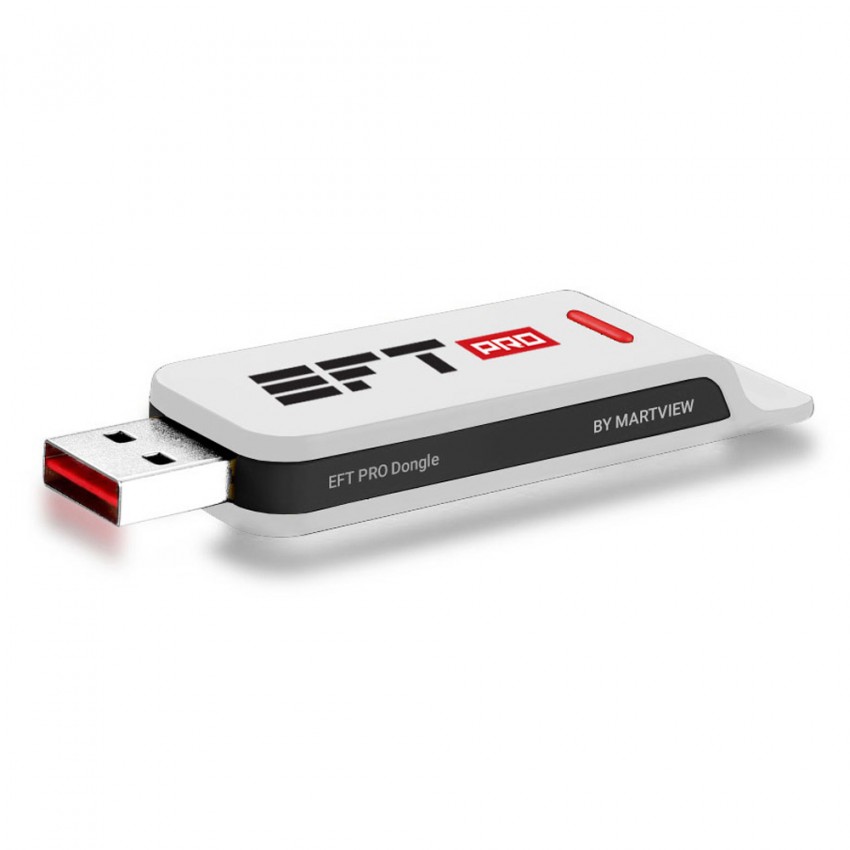
I’ve used several dongle tools over the years, and EFT Dongle is one of those tools that can work well — but only if you understand what it needs and what it can’t do.
So let’s get straight to it.
What EFT Dongle Actually Does
EFT Dongle is a software-based tool that connects to your PC via USB dongle. It’s mainly used for:
- Samsung unlocking
- FRP removal
- Account reset
- Firmware repair
- Resetting user lock
It’s a technician-style tool, not something for casual users. If you’re trying to unlock a phone you just bought, it’s possible, but you’ll still need to understand the process.
In real life, I’ve seen users who spent hours trying to “just unlock it” and ended up frustrated because they didn’t install the drivers correctly. That’s where most people fail with EFT Dongle — not because the tool is bad, but because setup is strict.
Setup: What You Need for EFT Dongle 5.3.6
Here’s the part where most people trip up.
To use EFT Dongle 5.3.6, you need:
- A Windows PC (Windows 7 to 11 works best)
- Correct Samsung USB drivers
- A reliable USB cable
- EFT Dongle software installed
- A valid license (dongle)
And yes, the dongle must be properly connected.
If your PC doesn’t recognize the dongle, the software won’t start or will show errors like “No dongle connected”. That’s the most common issue.
In one case, I remember a user trying to use a cheap USB cable. The dongle showed connected, but the phone never entered the correct mode. Swapping to a genuine cable solved it instantly.
So if you’re stuck, try a different cable first.
How EFT Dongle Works (Simple Explanation)
The process looks like this:
- Install EFT Dongle 5.3.6
- Connect the dongle to PC
- Connect phone via USB
- Choose the operation (unlock, FRP, etc.)
- Follow the on-screen steps
Most of the time, you’ll be asked to put the phone into Download Mode or Recovery Mode. That part depends on the model.
For example, Samsung phones often need Download Mode to flash firmware or remove FRP. If you don’t enter the correct mode, the tool will fail.
A lot of users miss this step and think the software is broken. It’s not — it’s just waiting for the phone to enter the correct state.
Common Problems People Face (And How to Fix Them)
1. “EFT Dongle not detecting phone”
This is almost always a driver issue.
Install Samsung USB drivers and make sure the phone is in the correct mode.
Also, avoid USB hubs. Always connect directly to the PC.
2. “License expired” or “Invalid license”
This usually happens when the dongle isn’t activated correctly or the license has expired.
If you bought the dongle second-hand, the license might already be used on another system.
3. “Dongle not connected”
Make sure the dongle is inserted correctly and the PC detects it.
If the PC doesn’t recognize it, try another USB port.
4. “Operation failed, try again”
This can be due to firmware updates or a phone model not supported in this version.
EFT Dongle works best on older Samsung models. Newer phones often need a newer tool version or a different method.
What You Should Expect From EFT Dongle 5.3.6
This version is stable for many older Samsung devices. It’s not always guaranteed to work on newer models, especially if the phone has a newer security patch.
That’s the reality with unlocking tools. Samsung updates its security often, and tools like EFT Dongle can fall behind until the next update.
If you’re working in a repair shop, this is why you often need multiple tools, not just one.
When You Should Consider Alternatives
EFT Dongle is not the only tool out there. Sometimes a different tool works faster and more reliably, especially for newer Samsung devices.
If you’re seeing repeated errors, or the dongle doesn’t support your phone model, it might be time to switch tools or use a professional service.
I’ve seen people waste days trying to force one tool to work, when another tool could have solved it in 30 minutes.
Final Thoughts (Real-User Perspective)
EFT Dongle 5.3.6 can work, but it requires correct setup and patience. It’s not a “one-click” solution for everyone.
If you’re a beginner, you’ll need time to learn the steps and understand the phone’s mode requirements.
If you’re a technician, this tool can be helpful — just don’t expect it to work on every phone model.
1. What is EFT Dongle used for?
EFT Dongle is used to unlock Samsung and some other Android phones, fix FRP locks, reset accounts, and flash firmware. It’s a tool mainly used by technicians.
2. Why does EFT Dongle say “license expired”?
Because the dongle license is tied to the dongle and sometimes needs renewal. It can also happen if the dongle was not activated properly or the license server is offline.
3. Why does EFT Dongle not detect my phone?
Most of the time it’s a driver issue, wrong USB mode, or missing Samsung USB drivers. Sometimes the cable is the problem too.
4. What phones does EFT Dongle support?
It supports many Samsung devices, especially older and mid-range models. Support varies by firmware and security patch level.
5. Can I use EFT Dongle on Windows 11?
Yes, but you must install the correct drivers and run the software as administrator. Some people also use compatibility mode.